
How to install Metasploit Framework on Debian
Metasploit Review
The Metasploit Project is a computer security project that provides information about security vulnerabilities and aids in penetration testing and IDS signature development.
It’s best-known sub-project is the open source Metasploit Framework, a tool for developing and executing exploit code against a remote target machine. Other important sub-projects include the Opcode Database, shellcode archive and related research.
The Metasploit Project is well known for it’s anti-forensic and evasion tools, some of which are built into the Metasploit Framework.
Installing Dependencies
We start by making sure that we have the latest packages by updating the system using apt-get:
1 | sudo apt-get update |
1 | sudo apt-get upgrade |
Now that we know that we are running an updated system we can install all the dependent packages that are needed by Metasploit Framework:
1 | sudo apt-get install build-essential libreadline-dev libssl-dev libpq5 libpq-dev libreadline5 libsqlite3-dev libpcap-dev git-core autoconf postgresql pgadmin3 curl zlib1g-dev libxml2-dev libxslt1-dev libyaml-dev curl zlib1g-dev |
Install the necessary packages
Installing the Metasploit Framework on Linux
Open terminal (keyboard shortcut: Ctrl + Alt + T).
Enter the following command to add the build repository and install the Metasploit Framework package:
1
sudo curl https://raw.githubusercontent.com/rapid7/metasploit-omnibus/master/config/templates/metasploit-framework-wrappers/msfupdate.erb > msfinstall && chmod 755 msfinstall && ./msfinstall
After the installation completes, open a terminal window and type the following to start msfconsole:
1 | msfconsole |
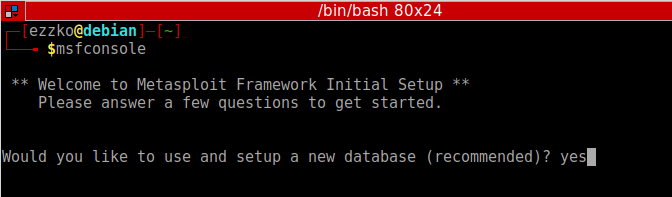
The prompt asks you if you want to use and set up a new database. Type y or yes to run the initial configuration script to create the initial database.
If all goes well, the console starts and displays the following:
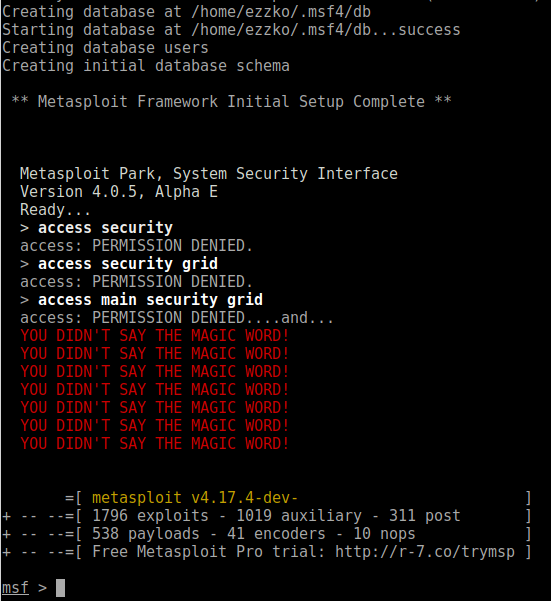
To check to see if the database was set up, run the following command:
1 | db_status |
If the Metasploit Framework successfully connected to the database, the following status displays:
1 | [*] postgresql connected to msf |
Loading External Modules
If you’re in the business of writing or collecting Metasploit modules that aren’t part of the standard distribution, then you need a convenient way to load those modules in Metasploit. Never fear, it’s pretty easy, using Metasploit’s default local module search path, $HOME/.msf4/modules, and there are just a couple caveats:
Mirror the “real” Metasploit module paths
You must first set up a directory structure that fits with Metasploit’s expectations of path names. What this typically means is that you should first create an “exploits” directory structure, like so:
1 | mkdir -p $HOME/.msf4/modules/exploits |
If you are using auxiliary or post modules, or are writing payloads you’ll want to mkdir those as well.
Create an appropriate category
Modules are sorted by (somewhat arbitrary) categories. These can be anything you like; I usually use test or private, but if you are developing a module with an eye toward providing it to the main Metasploit distribution, you will want to mirror the real module path. For example:
1 | mkdir -p $HOME/.msf4/modules/exploits/windows/fileformat |
… if you are developing a file format exploit for Windows.
Test it all out
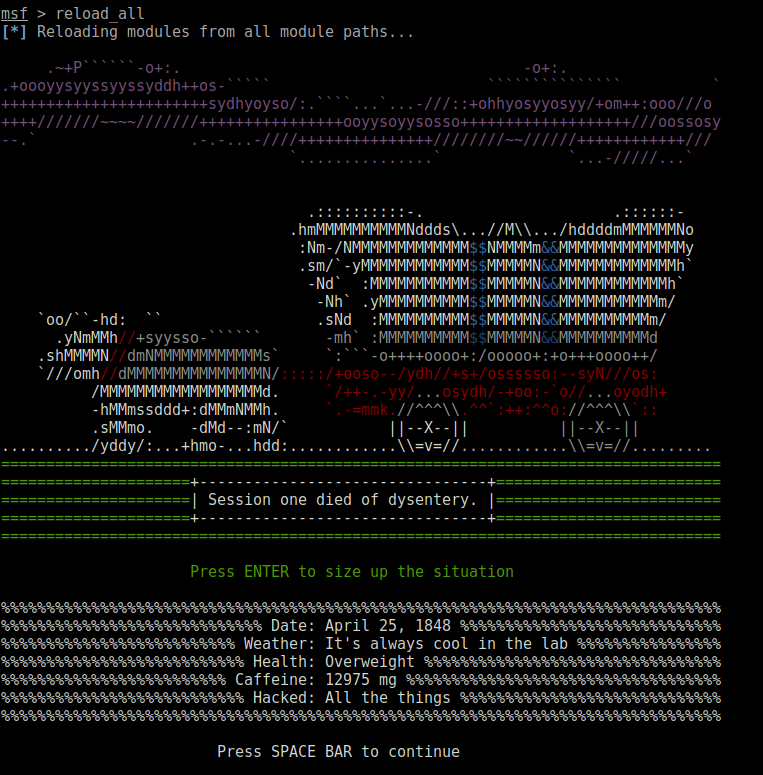
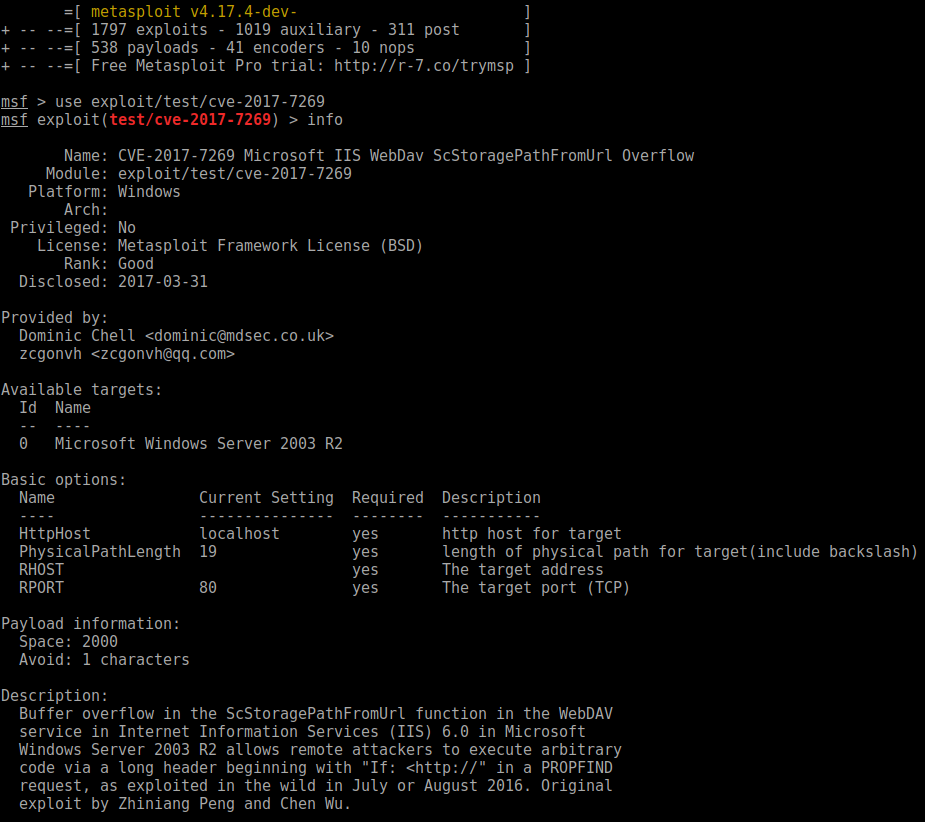
If you already have msfconsole running, use a reload_all command to pick up your new modules. If not, just start msfconsole and they’ll be picked up automatically. If you’d like to test with something generic, I have found a module on his github: https://github.com/zcgonvh/cve-2017-7269/blob/master/cve-2017-7269.rb, so let’s give it a shot:
1 | wget https://raw.githubusercontent.com/zcgonvh/cve-2017-7269/master/cve-2017-7269.rb |
Then, in my msfconsole window:
How to install Metasploit Framework on Debian
https://ezzko.gitlab.io/2018/08/01/How-install-Metasploit-on-Debian/
install_url to use ShareThis. Please set it in _config.yml.